The best laptop stands for office workers (the four worth buying)
Most laptop stands are interchangeable. Four are worth knowing about, by use case: foldable for commuters, fixed for the desk, hybrid for both, and the budget wildcard. Here is which one to get.
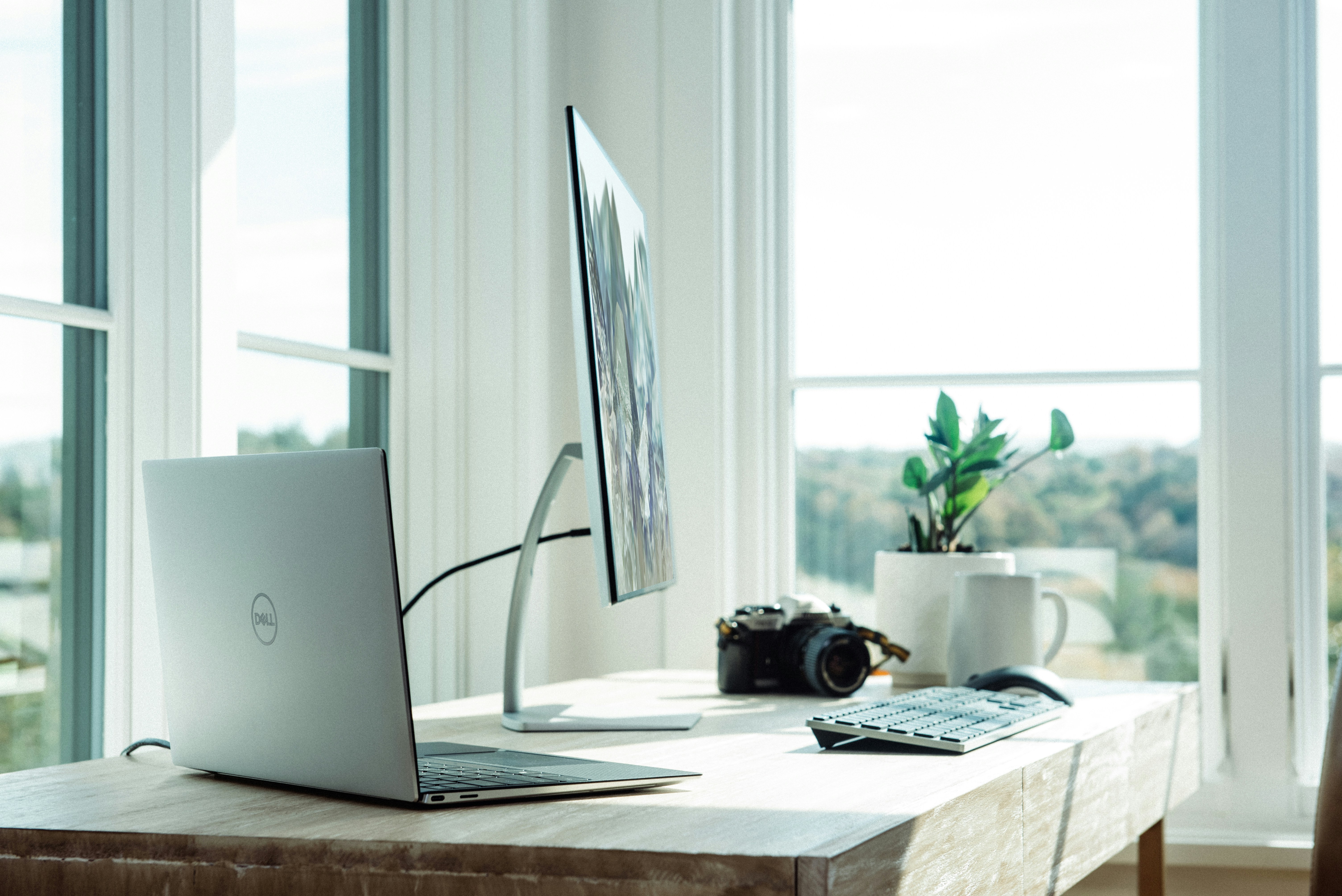
Not sure which stand?
Three questions to narrow it to one stand.
Who this is for
You are a knowledge worker who spends most of the day looking down at a laptop screen. Your neck knows about it by 3pm. You do not want a full monitor arm setup yet - you want the small, cheap upgrade that takes five minutes and costs under $100. This is that guide.
What I'd actually buy
Roost V3
Best for: Commuters and hot-deskers who carry everything
- +Genuinely eye-level height, not just "elevated"
- +170g - you stop noticing it in the bag
- +Replacement parts available, designed to last
- −$95 for a piece of plastic feels steep until you use it
- −Takes two hands and a few seconds to deploy
mStand
Best for: Fixed desk workers who want something that looks considered
- +Single piece of aluminum, nothing to break or lose
- +Cable management channel
- +Looks like it belongs on the desk
- −Fixed height - no adjustment
- −1.4 kg - it stays where you put it
Adjustable Stand
Best for: One-stand-for-everything buyers on a tight budget
- +Adjusts to almost any angle
- +Fits laptops up to 17"
- +Surprisingly stable for $40
- −Looks generic - does not suit a nice desk setup
- −Too heavy to carry regularly
Curve Flex
Best for: Hybrid workers who want one stand for two environments
- +Folds compact, aluminum finish
- +Wide height range suits standing desks
- +Looks good on a real desk
- −Heavier than the Roost for travel
- −Hinge reliability worth checking in recent reviews
At a glance
Three ways to build it
One stand, $40. See if you actually use it before spending more.
- Boyata Adjustable Stand $40
Split the job: one fixed stand at the desk, one for the bag.
- Rain Design mStand $50
Lives on the desk, never moves.
- Roost V3 $95
Lives in the bag, for everything else.
Hot-desk life or two-office shuffle - every surface covered.
- Rain Design mStand $50
Permanent home desk.
- Roost V3 $95
Daily commute bag.
- Twelve South Curve Flex $80
Office hot-desk or second location.
Setting up the stand
Setting up the stand
What I'd skip
- $15 acrylic Z-stands. They wobble, they do not get the screen to eye level, and they scratch your laptop within a month.
- Aluminum stands with rubber feet that peel off. The feet are the only thing stopping the stand from sliding; when they go, so does the stand.
- Any stand marketed as "portable" that weighs over 800g. That is desk-stand weight in a travel stand shape.
- A laptop stand without also buying an external keyboard. The raised screen is the point; typing on the laptop at that height makes posture worse, not better.
Common mistakes
- Mistake 1
Buying a stand without buying an external keyboard at the same time.
Instead: The screen goes up so your neck does not tilt. If you type on the raised laptop keyboard, your wrists take the hit instead. Buy them as a pair.
- Mistake 2
Using the same stand for travel and the desk.
Instead: The desk stand should be heavy and stable - you do not want it moving when you rest a hand on the laptop. The travel stand should be under 200g and fold flat. Different jobs, different tools.
- Mistake 3
Setting the screen too high.
Instead: Top of the screen at eye level, not the centre of the screen. If you set it higher than that, your neck tilts back and the upgrade backfires.
- Mistake 4
Assuming a cheaper stand will work just as well.
Instead: For the desk stand, the mStand at $50 is genuinely as good as options at $150. For travel, the difference between a $40 foldable and the Roost is real - weight and height both.
Final recommendation
- Rain Design mStand on the desk - it stays there, it looks good, $50 once.
- Roost V3 in the bag for every hot-desk day or cafe session.
- A small wireless keyboard alongside either: Magic Keyboard or Keychron K3 are the obvious choices.
- A mouse with a thumb rest if you use it for more than two hours a day - MX Master 3S is the reliable pick.
- Boyata Adjustable Stand if you want to test the habit before committing $145 to the Roost and mStand split.
FAQ
Do I need a laptop stand if I have a monitor?
Will a stand block my laptop's vents?
What height should the screen be at?
Are vertical stands worth it?
Stand or monitor arm?
Do I need a separate keyboard if I use a stand?
Related guides
Best compact keyboards for office and home (the four that matter)
A compact keyboard is the smallest desk upgrade with the biggest daily impact. Four options across mac/windows, wired/wireless, silent/clicky, picked for office reality, not subreddit clout.

First office job starter kit (the version that doesn't waste your money)
What to actually carry on day one of your first salaried role. Real kit, three price tiers, plus the stuff your office already provides so you don't double-buy.
Work backpack guide: the bag, the kit, and what not to buy
A short, opinionated breakdown of the four best work backpacks at every price point, plus what actually lives in the bag five days a week.
Disclosure: contains affiliate links. We may earn a commission at no extra cost to you.