The best monitor for hybrid work (the four worth buying)
You work from home two or three days a week and you have a laptop. The right monitor turns one cable into laptop charging, screen, and peripherals. Four picks: the default 27" 4K USB-C dock, the budget 4K, the smaller-desk alternative, and the Mac overkill. Plus what to skip.

Not sure which monitor?
Three questions to narrow it to one screen.
Who this is for
You work from home some days and the office on others, and you want a real screen at home so the WFH days are not just 13 inches of laptop. You do not want to think about cables - one USB-C from the monitor to the laptop should charge the laptop, drive the display, and connect a webcam and a keyboard. You are not a gamer and you are not a video editor. This is the four monitors worth considering and the one most people end up with.
What I'd actually buy
UltraSharp U2725QE
Best for: The default hybrid-work monitor: one Thunderbolt cable does everything
- +Thunderbolt 4 dock with 140W charging — one cable does everything, including 16" laptops
- +120Hz refresh on a 4K productivity panel — IPS Black contrast on top
- +5-year warranty Dell actually honours
- −Stand is large and ugly - VESA an arm if it bothers you
- −120Hz, not 240Hz - fine for almost everyone, not for esports
- −$700 street price ($950 MSRP) — $50 more than the outgoing U2723QE was at the same point in its life
27UP650-W
Best for: You want 4K at 27 inches, you do not need the dock features
- +Same 4K 27" panel as the Dell at half the price
- +White finish that does not look like office equipment
- +USB-C input with 60W charging (enough for most 13-14" laptops)
- −No USB hub built in - bring your own dock
- −Stand is tilt-only
- −Speakers are technically present but you should not use them
UltraSharp U2422HE
Best for: Smaller desks where 27" is too much, or smaller budgets that still want the dock
- +90W USB-C dock at a price most 4K options cannot match
- +Same pixel density as 27" 4K, fits smaller desks
- +Daisy-chain port for adding a second monitor later
- −1440p, not 4K - if pixel-peeping matters, you want the U2725QE
- −24" is small if you ever need three windows side-by-side
- −Stand is functional, not pretty
Studio Display (2026)
Best for: You use a Mac and you do not want to think about it ever
- +A19 + ProMotion 120Hz + Mini-LED HDR — finally a Studio Display worth the price
- +Speakers are the best in any monitor at any price
- +Thunderbolt 5, daisy-chainable to four screens
- −$1,600 for the base, $2,000 with the right stand, $1,900 with nano-texture
- −12MP camera is great for monitor cameras, still mediocre by iPhone Continuity Camera standards
- −Locked to the Apple ecosystem in practice
At a glance
| Product | Size + resolution | USB-C dock | USB-C charging | Best for | |
|---|---|---|---|---|---|
UltraSharp U2725QE Dell | 27" 4K | Yes (full hub) | 90W | Default hybrid setup | Check → |
27UP650-W LG | 27" 4K | No | 60W | Budget 4K | Check → |
UltraSharp U2422HE Dell | 24" 1440p | Yes (full hub) | 90W | Small desk + dock | Check → |
Studio Display (2026) Apple | 27" 5K | Yes (Thunderbolt) | 96W | Mac users with budget | Check → |
Three ways to build it
One monitor, $330. Add a separate dock if you need one.
- LG 27UP650-W $330
- Anker USB-C dock (separate) $100
The default - one cable, one decision, lasts five years.
- Dell UltraSharp U2725QE $650
One cable does everything.
- VESA monitor arm $50
Reclaim the desk space the Dell stand eats.
Two monitors, real arm, full Mac setup.
- Apple Studio Display $1,599
- Dell UltraSharp U2725QE (second screen) $650
- Dual monitor arm $120
Setting up the monitor
Setting up the monitor
What I'd skip
- Ultrawides for normal office work. They are great for one-task workflows, awkward for two-window switching, and harder to wall-mount.
- Gaming monitors with 144Hz+ refresh for office use. You will pay for refresh you do not see and lose color accuracy in the trade.
- 4K monitors above 32". The pixel density drops to where 1440p would have been fine, and your eyes have to scan further.
- Built-in webcams below $1,000. They are universally worse than even a $50 standalone webcam.
- Curved monitors. The curve is meaningful at 34" ultrawide and meaningless at 27".
Common mistakes
- Mistake 1
Buying the cheapest 4K monitor without checking the USB-C charging wattage.
Instead: A monitor that charges at 30W is not a dock - it is a screen with a USB port. Confirm 60W minimum for 13-14" laptops, 90W for 16".
- Mistake 2
Sitting too close because the desk is too shallow.
Instead: 27" wants 60-70cm of viewing distance. If your desk is 50cm deep, the 24" U2422HE is the better physical fit, not the monitor you wanted.
- Mistake 3
Trying to KVM between two laptops on a Dell U2725QE.
Instead: The built-in KVM works but the firmware is weak. If you switch between two machines daily, get a separate KVM (Cable Matters or Level1Techs).
- Mistake 4
Skipping the monitor stand or arm.
Instead: Most desk-supplied stands put the monitor too low. A $50 arm or a $25 riser fixes the posture problem the monitor itself was meant to solve.
Final recommendation
- Dell UltraSharp U2725QE for the monitor.
- A VESA monitor arm to reclaim the desk space the Dell stand uses.
- One USB-C cable, laptop to monitor. That is the dock.
- A small wireless keyboard and mouse on the desk - the Magic Keyboard, MX Keys Mini, or the Keychron K3 Pro.
- Skip the second monitor unless your work is genuinely two-screen (trading, video editing, code review with reference docs).
FAQ
27" 4K or 24" 1440p?
Do I need a USB-C dock-monitor or will a regular monitor plus a dongle work?
Is 4K worth it on a 27" monitor or is 1440p enough?
Should I get an ultrawide instead?
How high should the monitor be?
Will my laptop drive 4K at 60Hz over USB-C?
Related guides

The best laptop stands for office workers (the four worth buying)
Most laptop stands are interchangeable. Four are worth knowing about, by use case: foldable for commuters, fixed for the desk, hybrid for both, and the budget wildcard. Here is which one to get.

First office job starter kit (the version that doesn't waste your money)
What to actually carry on day one of your first salaried role. Real kit, three price tiers, plus the stuff your office already provides so you don't double-buy.
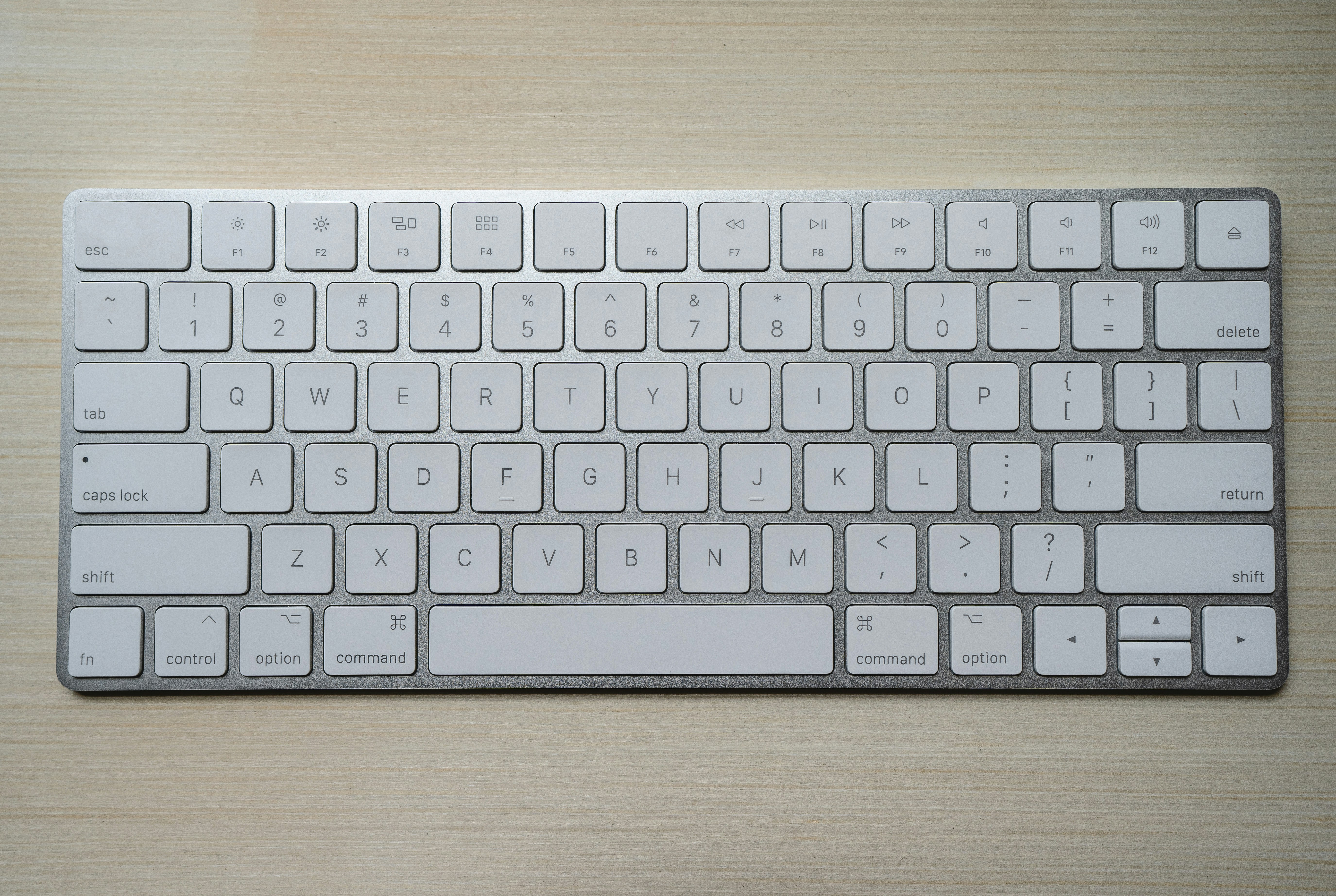
Best compact keyboards for office and home (the four that matter)
A compact keyboard is the smallest desk upgrade with the biggest daily impact. Four options across mac/windows, wired/wireless, silent/clicky, picked for office reality, not subreddit clout.
Disclosure: contains affiliate links. We may earn a commission at no extra cost to you.